So, to clarify what’s going to happen, here’s a handy checklist:
What will happen
- Images of real-life nudity will be flagged
- Flagged posts will be only viewable by the poster and nobody else
- Flagged posts can be appealed and fixed if done so by mistake
- That’s it
What will not happen
- Blogs will not be indiscriminately deleted
- Posts will not be indiscriminately deleted
- Written smut will not intentionally be flagged
- Illustrated or otherwise artistic nudity will not intentionally be flagged
- Tumblr’s RP community, SFW or otherwise, will not implode upon itself
I really HOPE this is what will happen, but a few things that shouldn’t have happened seem to be already happening.
And this is not just an issue of whether or not the Purge will actually happen like we think. The staff’s attitude has clearly demonstrated that they don’t care about the state of the platform or its userbase as long as it doesn’t directly harm their benefits (aka their app being taken down in stores).
Instead of focusing their efforts into purging chi1d p*rn and p*rn bots, they’re just disabling nsfw altogether. And there’s no set guideline for what makes a (creative) content nsfw enough to get flagged and reported by tumblr algorithm.
And for many those are enough reasons to migrate to other social media platforms.
Author: techiehux
mutuals before tumblr just ups and deletes every blog one day, if you want my insta/snap/phone # message me
or discord, twitter. anything.
mutuals before tumblr just ups and deletes every blog one day, if you want my insta/snap/phone # message me
or discord, twitter. anything.
could you link us to that post about how to backup once blog, please? (I tru to use the search tool but nothing appears, sorry)
Sure, here are the steps:
- Go to “Settings” in the account menu.
- In the sidebar where it says “Blogs,” click on the blog you want to back up.
- You’ll see the page that lets you edit the appearance of the blog, etc. At the bottom, you should see a button that says “Export blog.” Click that.
- Tumblr will now take a shitload of time to create the backup (hours, or maybe even days if your blog has a ton of media posts) but eventually it’ll send you a link to download the backup. You don’t have to keep your browser open for that time, by the way.
- Once you’ve got the link, click it and download! It should give you a ZIP file with a folder of HTML files for the posts and a folder for the media files.
could you link us to that post about how to backup once blog, please? (I tru to use the search tool but nothing appears, sorry)
Sure, here are the steps:
- Go to “Settings” in the account menu.
- In the sidebar where it says “Blogs,” click on the blog you want to back up.
- You’ll see the page that lets you edit the appearance of the blog, etc. At the bottom, you should see a button that says “Export blog.” Click that.
- Tumblr will now take a shitload of time to create the backup (hours, or maybe even days if your blog has a ton of media posts) but eventually it’ll send you a link to download the backup. You don’t have to keep your browser open for that time, by the way.
- Once you’ve got the link, click it and download! It should give you a ZIP file with a folder of HTML files for the posts and a folder for the media files.
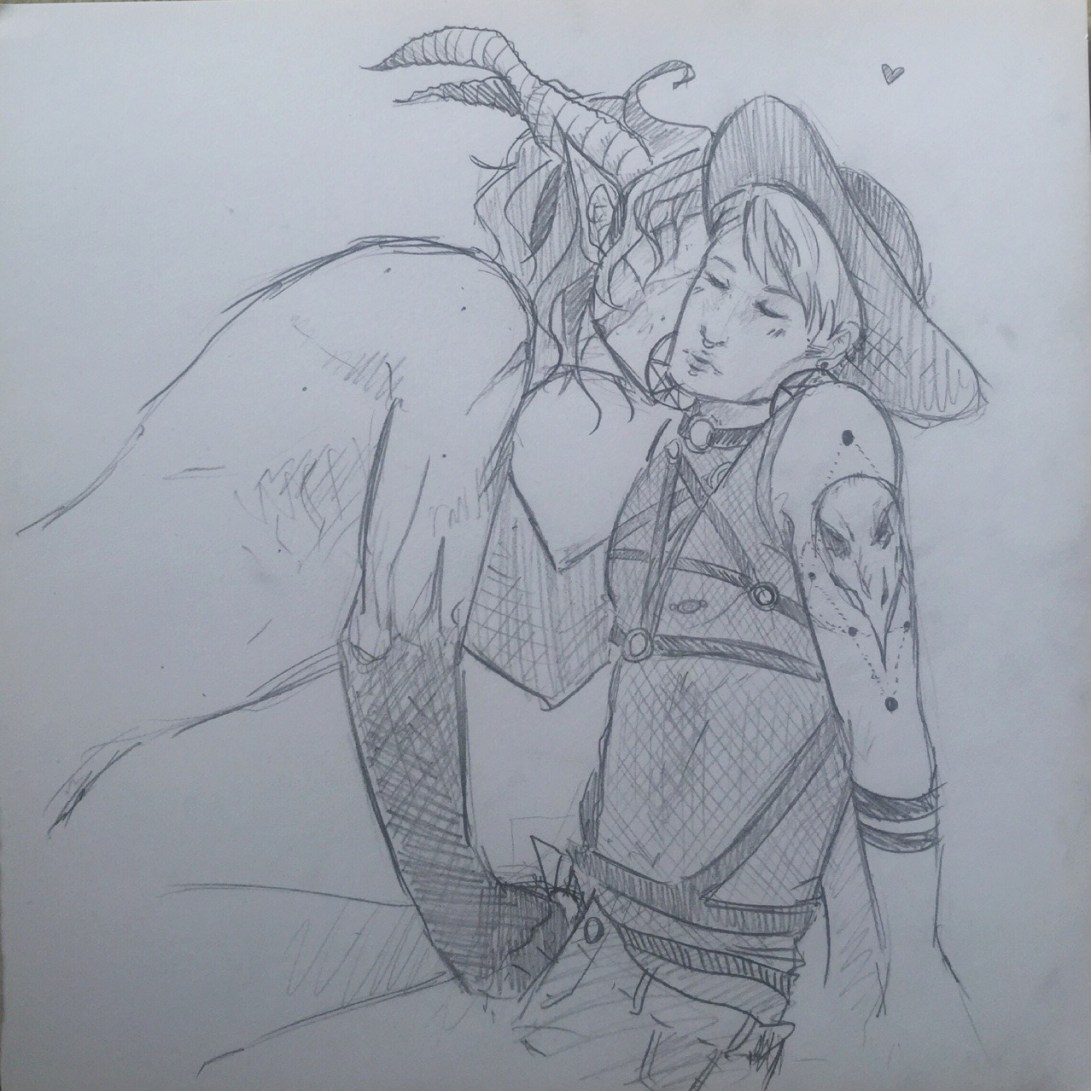
Now that I’m posting it I’m a little embarrased bcs I couldn’t manage any better :,D
But I just wanted to say I dearly love @letmeputitinyourbutt ’s Kylux Witch version💖
Might as well do smth like a cosplay tooThis is so lovely! I can’t stop staring at how pretty Witch Hux and Monster Kylo are! Thank you so much for drawing and sharing this!
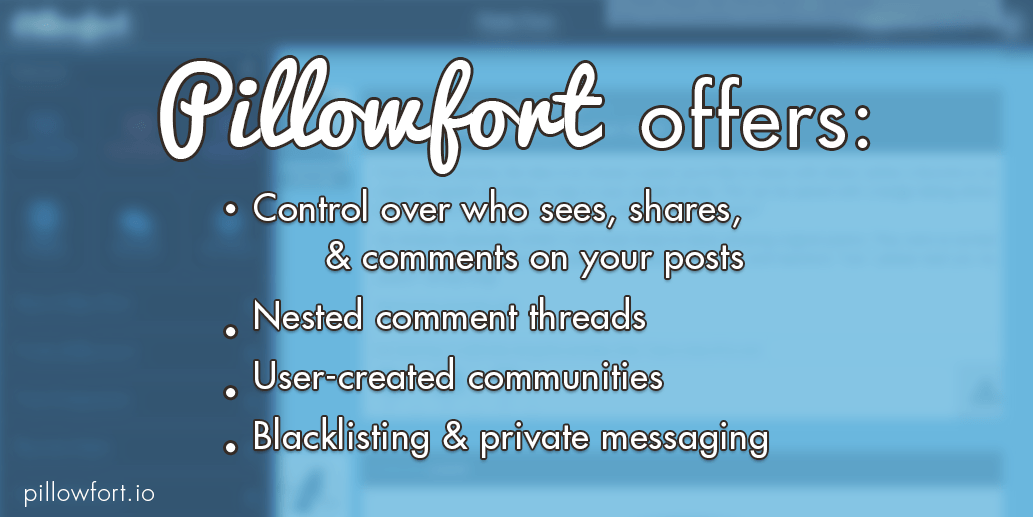
Tumblr is apparently doing some crazy nonsense again, so it seems like a good time to remind everyone that Pillowfort.io is a new social media platform that aims to give users control of their content and how it’s seen and shared, as well as provide better communication tools to promote conversation and creativity. If this sounds good to you, you can donate $5 to our PayPal and you will receive a registration link the Friday after your donation. And if you decide the site isn’t for you, you can request a refund for up to three weeks after you sign up. (All money we receive through this process is going towards paying our hosting expenses and compensating our programmers.)
Reblogging this in light of the recent news, since we’ve been getting a lot of questions from people looking to join. If you’ve sent us a payment since the 16th of November you will receive your invitation email shortly after the site returns, which will likely be tomorrow! If you want to purchase more than one registration link ($5 per link, so $15 for example would get you 3 registration links) you can give them to anyone you want– the ones you purchase are not tied to your account in any way.
Now, Pillowfort will not always require a payment to sign up; we are doing this because we are still in the process of implementing our subscription plan, which will be our source of long-term revenue, and these payments through PayPal give us funding to make sure we can pay all our server expenses, employee compensation, etc. while we are still working on implementing our business plan. Once we exit beta you will be able to join the site and use all of its essential features
for free, with the option to pay for some extra goodies similar to what LiveJournal and DreamWidth offer in their subscription plans.
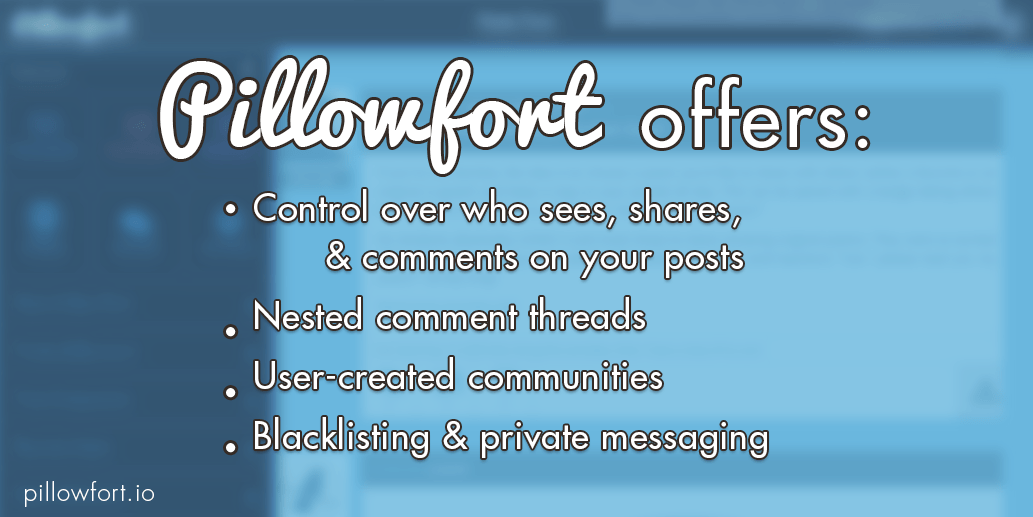
Tumblr is apparently doing some crazy nonsense again, so it seems like a good time to remind everyone that Pillowfort.io is a new social media platform that aims to give users control of their content and how it’s seen and shared, as well as provide better communication tools to promote conversation and creativity. If this sounds good to you, you can donate $5 to our PayPal and you will receive a registration link the Friday after your donation. And if you decide the site isn’t for you, you can request a refund for up to three weeks after you sign up. (All money we receive through this process is going towards paying our hosting expenses and compensating our programmers.)
Reblogging this in light of the recent news, since we’ve been getting a lot of questions from people looking to join. If you’ve sent us a payment since the 16th of November you will receive your invitation email shortly after the site returns, which will likely be tomorrow! If you want to purchase more than one registration link ($5 per link, so $15 for example would get you 3 registration links) you can give them to anyone you want– the ones you purchase are not tied to your account in any way.
Now, Pillowfort will not always require a payment to sign up; we are doing this because we are still in the process of implementing our subscription plan, which will be our source of long-term revenue, and these payments through PayPal give us funding to make sure we can pay all our server expenses, employee compensation, etc. while we are still working on implementing our business plan. Once we exit beta you will be able to join the site and use all of its essential features
for free, with the option to pay for some extra goodies similar to what LiveJournal and DreamWidth offer in their subscription plans.
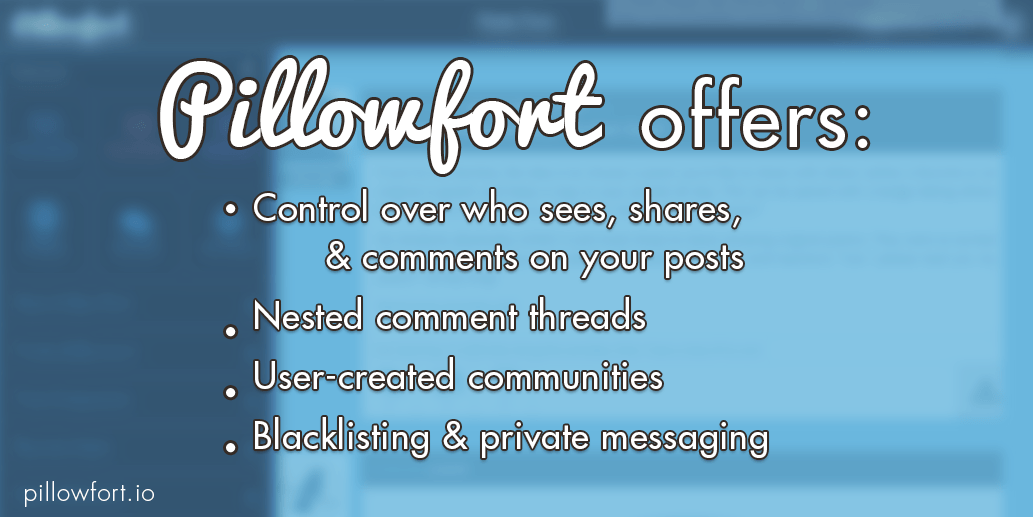
Tumblr is apparently doing some crazy nonsense again, so it seems like a good time to remind everyone that Pillowfort.io is a new social media platform that aims to give users control of their content and how it’s seen and shared, as well as provide better communication tools to promote conversation and creativity. If this sounds good to you, you can donate $5 to our PayPal and you will receive a registration link the Friday after your donation. And if you decide the site isn’t for you, you can request a refund for up to three weeks after you sign up. (All money we receive through this process is going towards paying our hosting expenses and compensating our programmers.)
Reblogging this in light of the recent news, since we’ve been getting a lot of questions from people looking to join. If you’ve sent us a payment since the 16th of November you will receive your invitation email shortly after the site returns, which will likely be tomorrow! If you want to purchase more than one registration link ($5 per link, so $15 for example would get you 3 registration links) you can give them to anyone you want– the ones you purchase are not tied to your account in any way.
Now, Pillowfort will not always require a payment to sign up; we are doing this because we are still in the process of implementing our subscription plan, which will be our source of long-term revenue, and these payments through PayPal give us funding to make sure we can pay all our server expenses, employee compensation, etc. while we are still working on implementing our business plan. Once we exit beta you will be able to join the site and use all of its essential features
for free, with the option to pay for some extra goodies similar to what LiveJournal and DreamWidth offer in their subscription plans.
 TechieHux